
Multimedia for property developers in Armenia
We equip sales offices and meeting rooms. Touch tables, displays, applications and 3D content help you present a residential development, floor plans and future apartments.
Design, supply, installation and setup for the way your team works.
Discuss your AV projectStart with a description of your task. A room plan and sample materials will help us work out the solution.
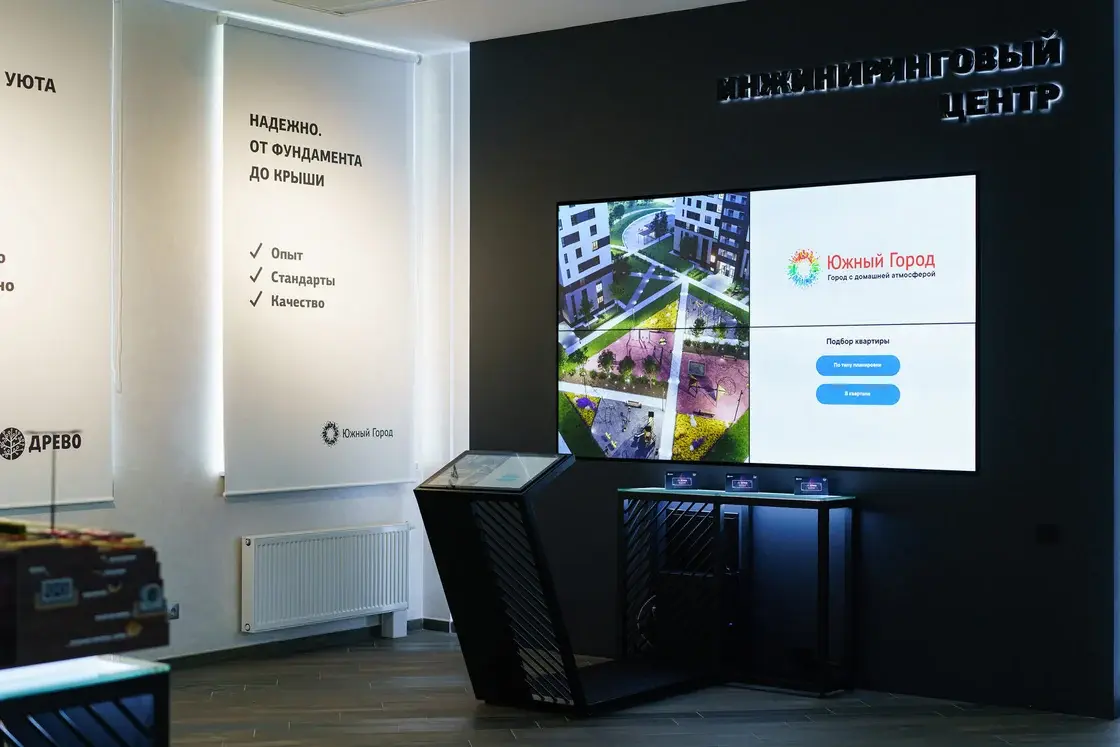
For property developer DREVO
A 2×2 video wall with four 55-inch Eliteboard panels and an IIYAMA TF2415MC-B2 touch control panel. Smart Century installed and commissioned the displays. Content is controlled through the touch panel.
- EquipmentA touch table, kiosk or panel, with a computing unit.
- ApplicationProject navigation and the presentation functions you need.
- Content3D models, floor plans, visualisations and your development materials.
Present the development, then explore an individual apartment
A shared display makes it easy to discuss the surroundings, buildings, floors and layouts. The sales representative shows the relevant part of the project, compares options and returns to the buyer’s questions. We select the display, controls, computing hardware and software for this workflow.
A touch table, upright kiosk, panel or a tablet controlling a large display: we choose the format for your room and presentation. Together, we decide what to show: a 3D development model, apartments and houses, floor plans, views or prepared videos.
Who will control the presentation?
A sales representative leads the presentation
The representative selects properties and viewpoints, explains the development and shows details on a shared display. Controls are available to the employee.
Visitors explore the development
The interface helps visitors start, choose a section and return to the beginning. We provide a session reset and a return to the start screen after inactivity.
Both modes can work together: the representative starts the presentation and hands control to the visitor. We include this mode when your sales team needs it.
Equipment, application and content in one project

We adapt your existing 3D modelWe prepare your models and materials for the presentation, then set up navigation and touch controls on the selected equipment.
Need a model? We create the contentWe prepare 3D visualisations of the development, floor plans, images and video. We agree the application’s functions: building and floor selection, apartment viewing, filters and interface languages.
Apartment availability updates and CRM integration are specified separately. We agree the data source, who will maintain it and how the system should behave if the connection is lost.
Meeting rooms and corporate offices
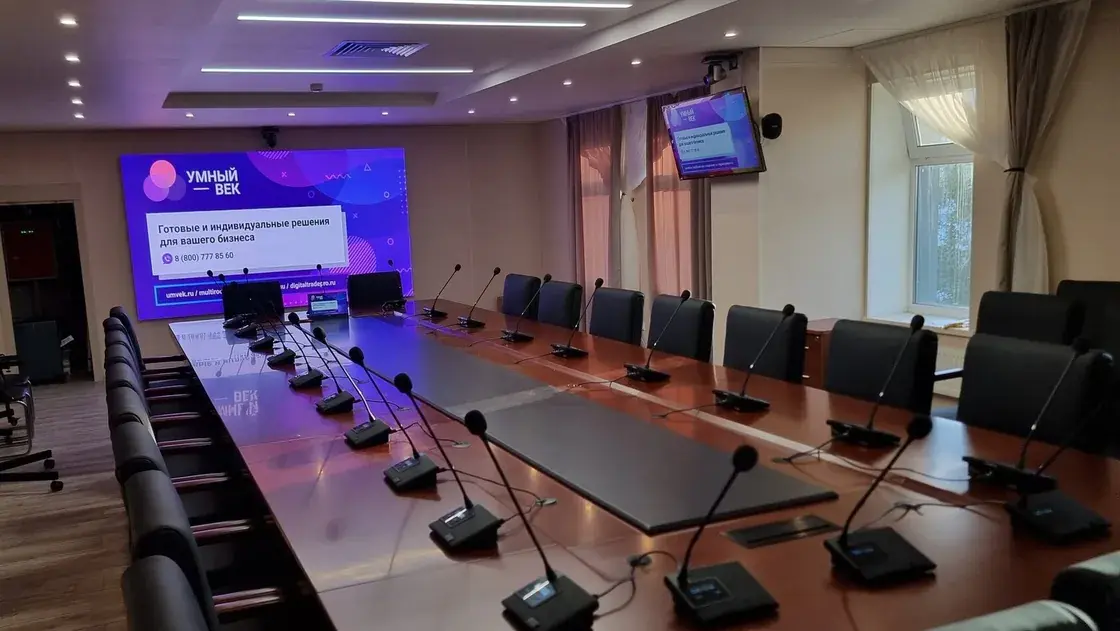
We equip rooms for contractor meetings, project discussions and video calls: displays, cameras, microphones, audio and laptop connections. We select the system for the room, the number of participants and your team’s meeting platforms.
Our proposal covers equipment, signal connections, mounts, installation and setup. We agree staff training and service alongside the project scope.
What we need to prepare a quote
Tell us which room you are equipping and how you want to present the development. Start with a task description, photos or a room plan, and information about the materials you already have.
Let us know whether you have a 3D model or application, who will control the presentation and which languages you need. We will propose the solution and show equipment, software, content and work costs separately.
Discuss your AV projectFrequently asked questions
Do we need a touch table?
Several formats can work. A table suits use beside the screen, an upright panel suits a group presentation, and a tablet controlling a large display suits a sales representative. We choose the format for your workflow and room.
Can we use an existing 3D model?
We check its format, application and hardware requirements. Then we identify the materials and functions that need adapting.
Can we show current apartment availability?
This depends on the selected application and data source. We agree manual updates or a connection to your property management system as part of the project.