
Information about your site
Services, visitor information, schedules or the story of a place in a clear menu. Suitable for public spaces, business centres, exhibitions and reception areas.
Hardware, software and content — from selection to launch at your site.
Visitors choose a topic, language and content on screen. Umvek builds the kiosk around your needs: we select the equipment, create the interface and content, then install and configure the system.
Services, visitor information, schedules or the story of a place in a clear menu. Suitable for public spaces, business centres, exhibitions and reception areas.
Photos, video, text and audio for your audience. We plan language selection and navigation so visitors can use the screen without an explanation.
Visitors explore an exhibition, product or development at their own pace. We work with you on the content, navigation and touch controls.
Start with an existing application or an idea. We identify which of your materials can be used, what needs to be created and which equipment will support the experience.
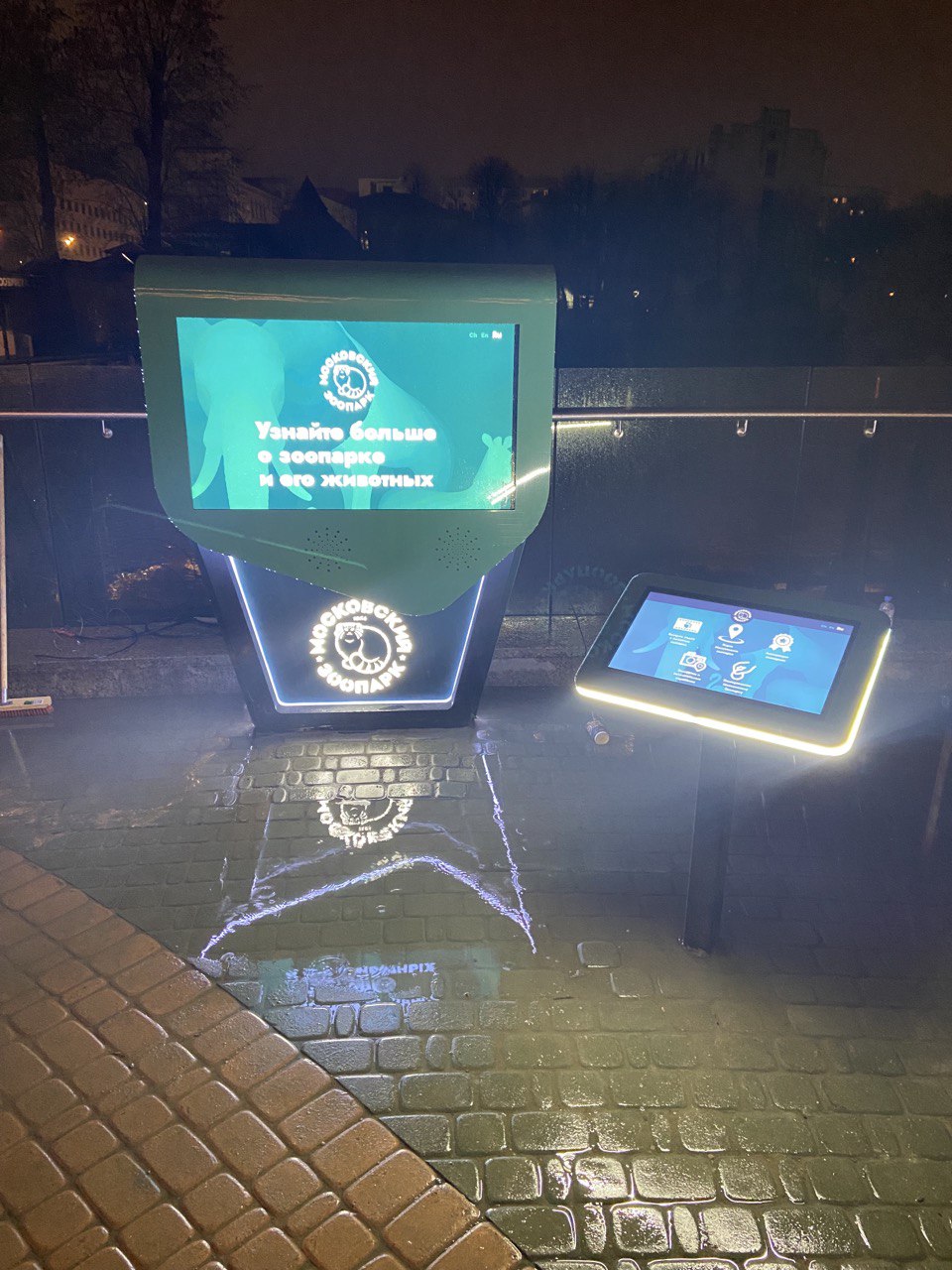
We combined a large LG display, a BrightSign media player, APART/BIAMP sound and a separate 23.8-inch touchscreen. The equipment is housed in a climate-controlled cabinet.
We created exclusive content in three languages: Russian, Chinese and English. The photo at the top of this page shows the main display and the touchscreen visitors use to choose content.
View project details and photos (RU)We connect the equipment to what people actually do at the screen: choose content, watch video and switch languages. We select the system and interface for your site, beyond choosing a display size.
Indoors, a compact floor-standing or wall-mounted kiosk may suit the space. Outdoors, we plan the position, enclosure and equipment for the operating conditions.
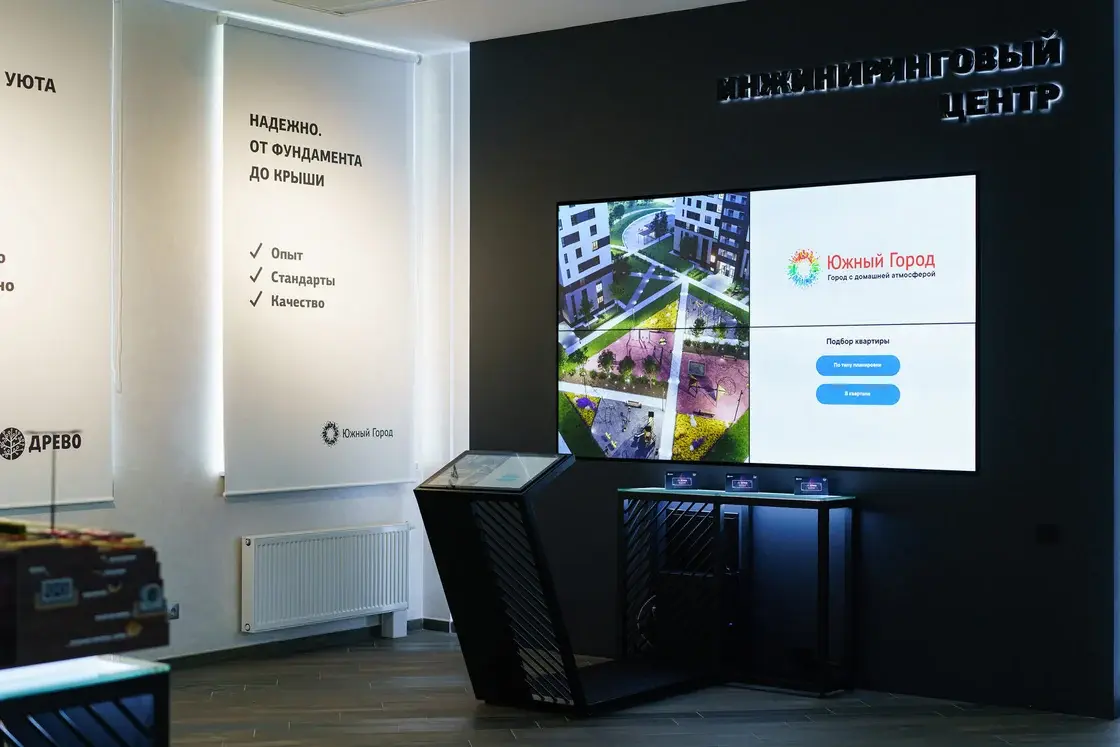
This project combines a 2×2 video wall of four 55-inch Eliteboard displays with touch control of the presentation. Visitors can see the development on a large screen and choose content from a separate stand.
More on presentations for developersWe will quote a complete solution for your site. The price reflects the screen and enclosure, and what visitors need to do with them.
Your proposal will set out the equipment, application, content and work included. If you have a target budget, we will use it when selecting the solution.
Tell us where the kiosk will be installed and what visitors should be able to do. Include your city and the languages you need. Plans, site photos and existing materials help us select the system if you already have them.
Get a kiosk quoteYes. We will start with what you have and check the requirements for equipment, touch controls and content display. We will identify what is ready to use and what needs adapting. If there is no application yet, we will develop the user journey and content structure.
When selecting the application, we agree which sections change, who updates the content and whether remote access is needed. We prepare clear operating instructions for the person responsible.
A kiosk is usually designed for a visitor to use independently, following a specific menu or task. An interactive display in a meeting room or classroom supports collaboration, presentations and teaching. We will help you choose the format for your use case.
Interactive displays for teaching and meetingsFrom the first idea to an installed system: equipment, interface, content and launch in one project with Umvek.